From sign-up to your first match, the simple way
Finding a mutual exchange has always been slow and frustrating. We built Link My Swap to change that. Here's exactly what happens, from the moment you join to the day you move.
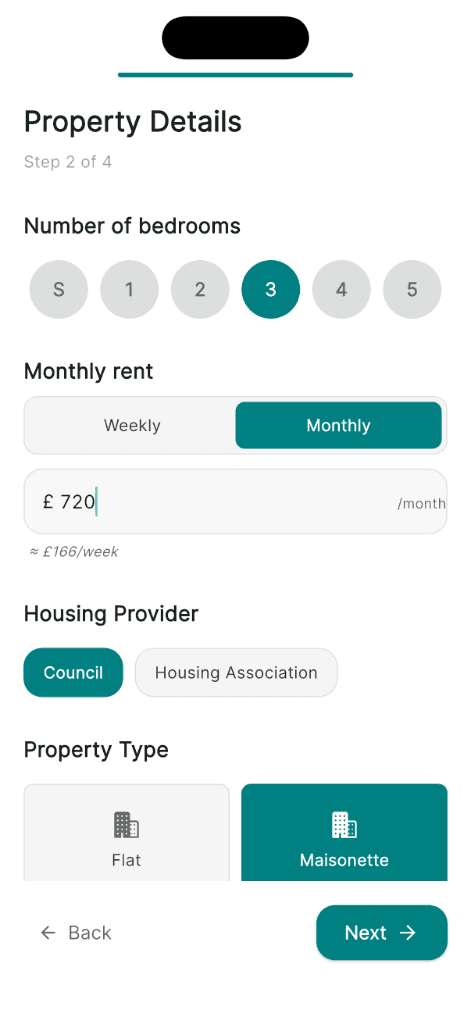
List your home
Add your photos, your number of bedrooms, your amenities, and a short description of what makes your place a good home. Your exact location is kept approximate on the map, so your address stays private until you decide to share it with someone you trust.
This is what other swappers will see when they're looking for a place like yours, so it's worth taking your time to show your home at its best.
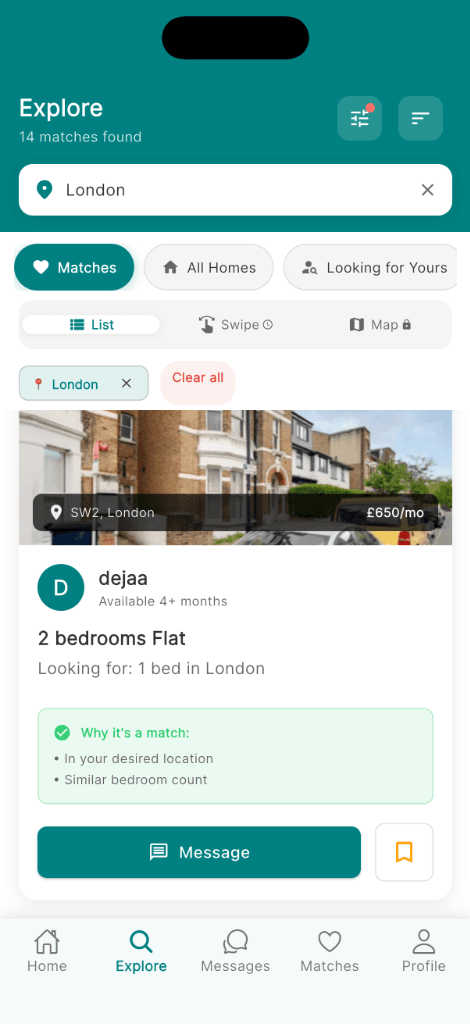
See your matches
Link My Swap looks at every active home in the UK against what you're looking for, then shows you matches with a compatibility score and the reasons behind each one.
Instead of scrolling through hundreds of unsuitable listings, you see the homes that genuinely fit what you need.
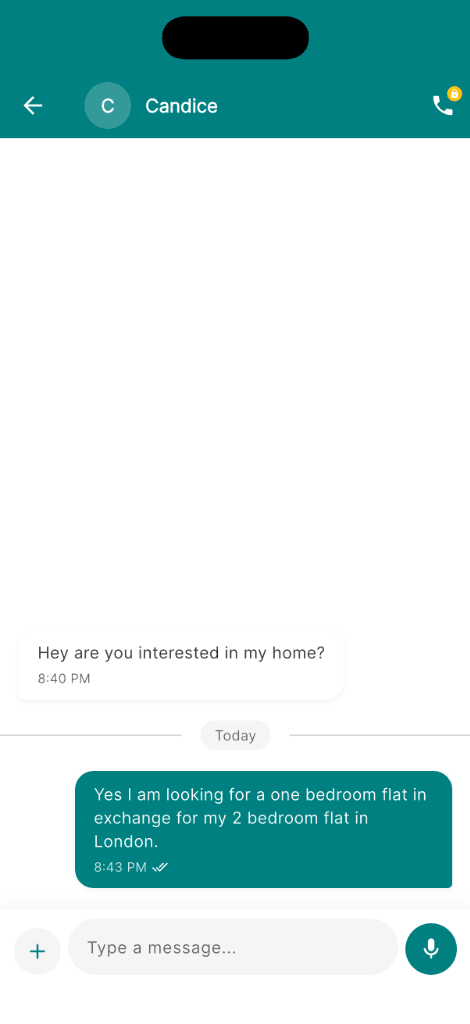
Start the conversation
Found someone whose home could work? Message them directly in the app. Send a voice note for the things that are easier to say out loud than type, and when you're both ready, have a video call to get to know each other before sharing any personal details.
This is where a swap starts to feel real, talking to an actual person who wants what you've got, and has what you're looking for.
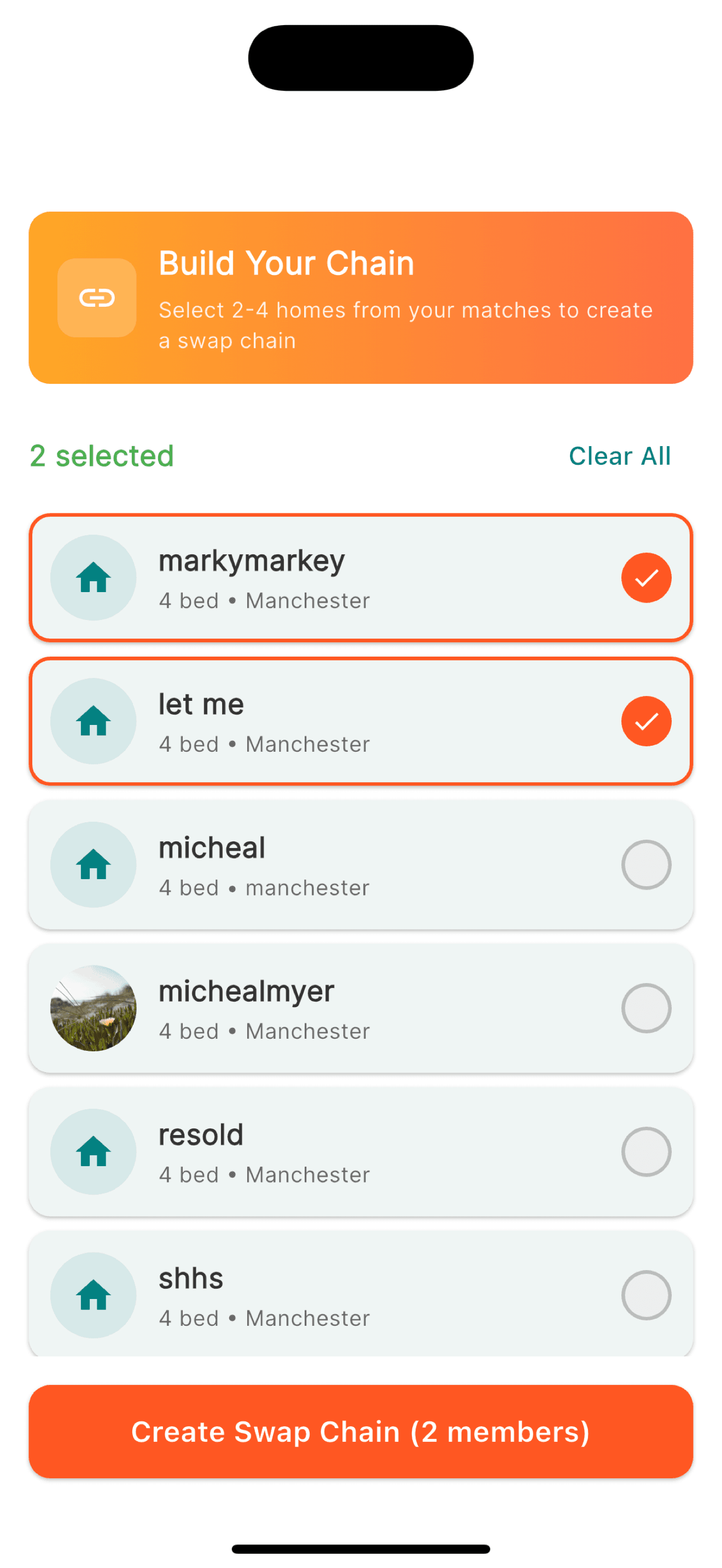
Agree and move
When you've both decided to go ahead, mark the swap as agreed in the app. From there, you work out the details together, sort the paperwork with your landlords, and make your move. We'll be cheering you on.
Ready to find your match?
Free to download and start browsing. Upgrade to premium any time to unlock everything Link My Swap can do.